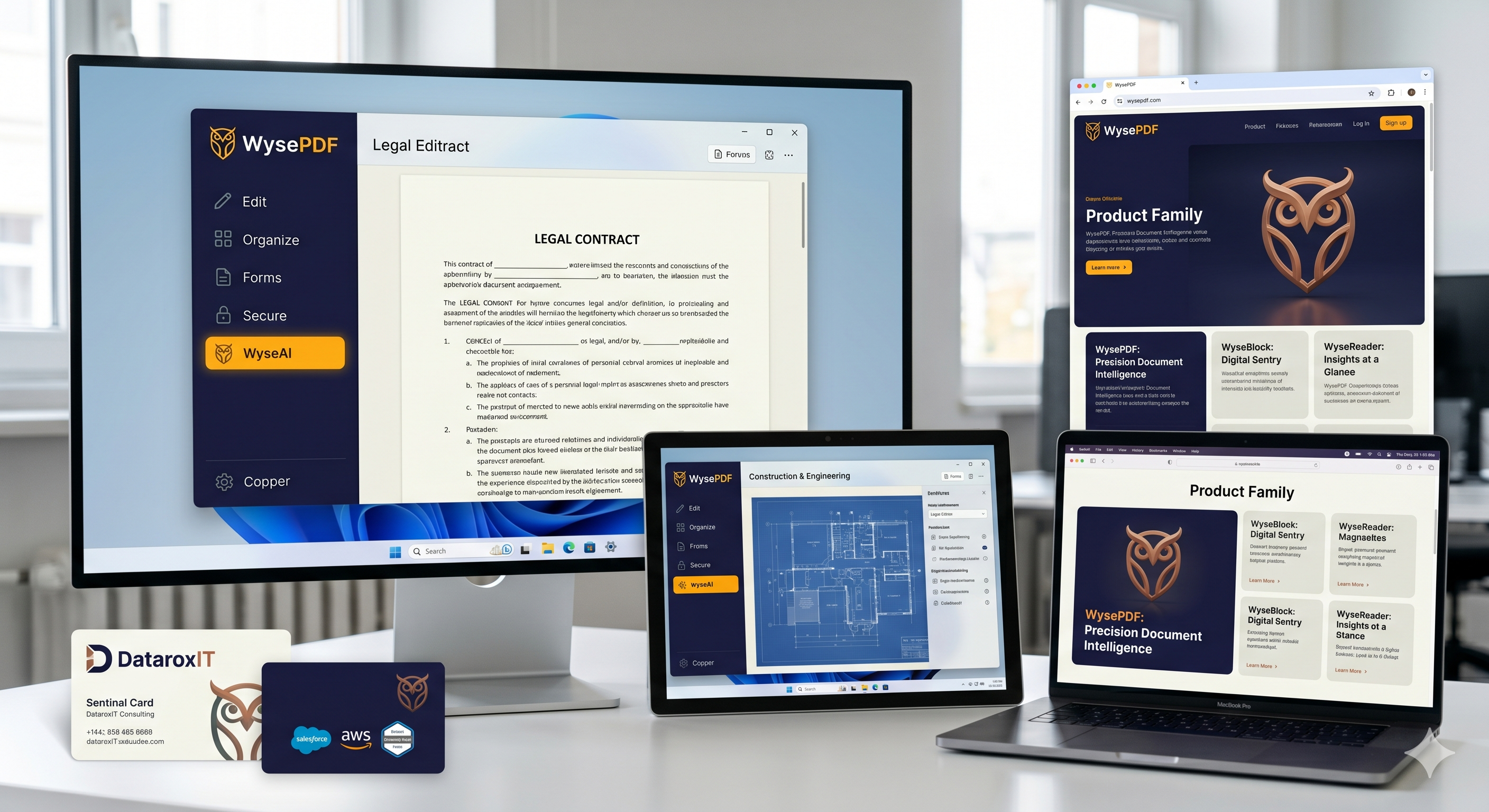
OCR in WysePDF
Optical Character Recognition (OCR) lets you convert scanned documents and images into searchable, editable text. WysePDF includes a built-in OCR engine that works entirely offline.
How to Use OCR
- Open a scanned PDF in WysePDF.
- Click Tools → OCR in the toolbar.
- Select the pages you want to process.
- Choose your language and click Run OCR.
Tips for Best Results
- Use high-resolution scans (300 DPI or higher).
- Ensure the document is not skewed — use the deskew tool first if needed.
- For multi-language documents, select all relevant languages before processing.